
Add-on domains and subdomains allow you to host multiple websites or create separate sections of a website under a single hosting account.
Creating an Add-on Domain
An add-on domain allows you to host an additional, separate website using the same hosting account.
Steps to Create an Add-on Domain
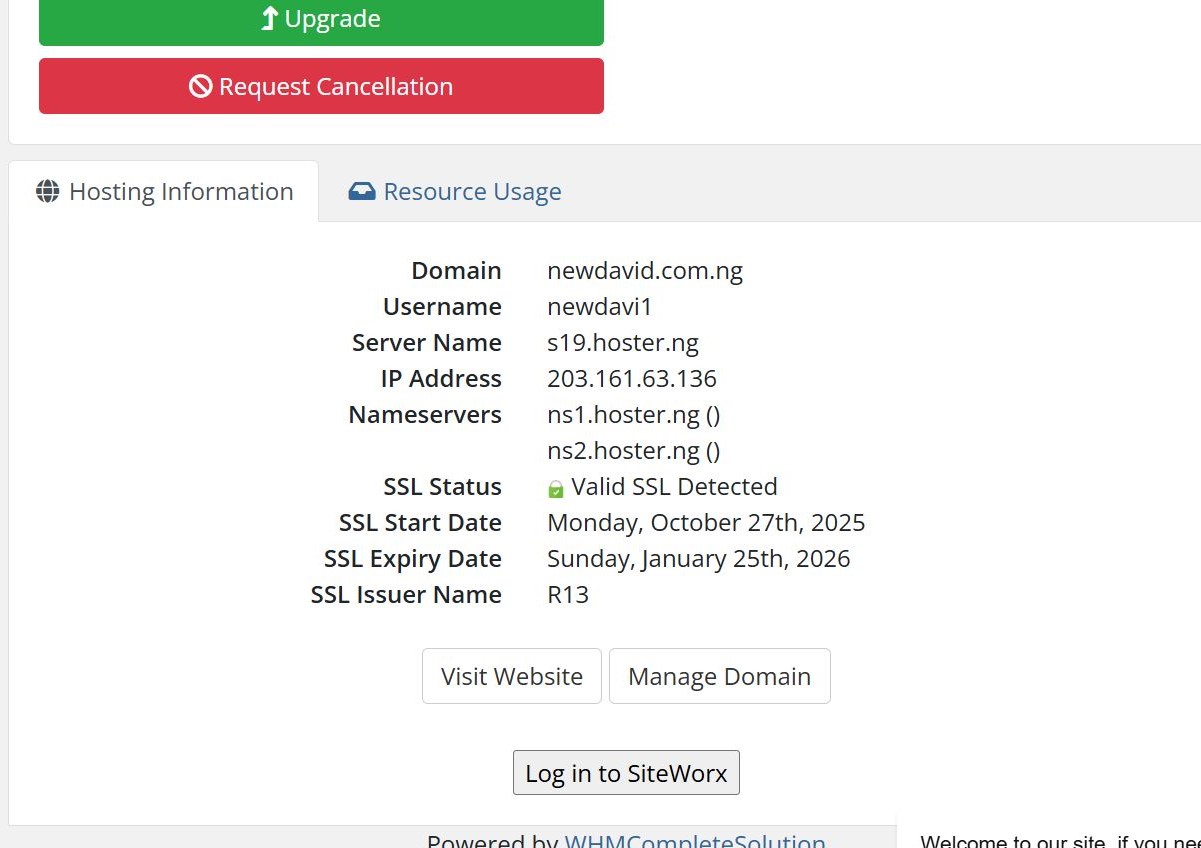
- Log in to SiteWorx
Access the SiteWorx control panel from your client dashboard.
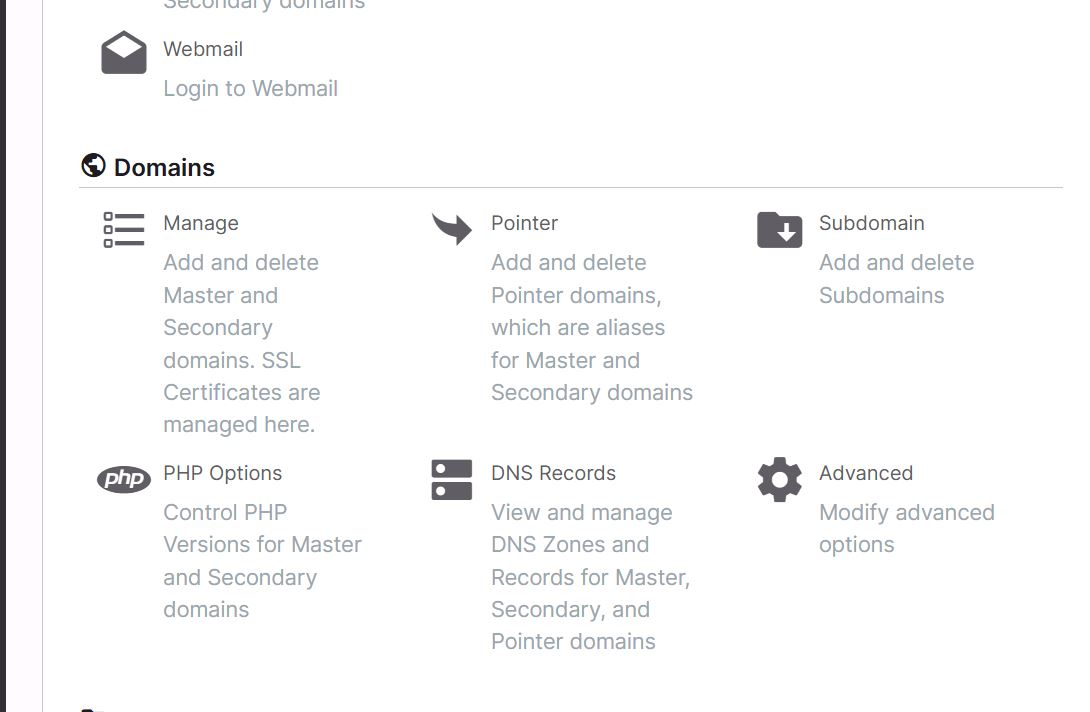
 Navigate to Domains Area
Locate and click on Manage.
Click on Add Domain button.

Enter the Domain name.
Click Add to complete the process.
Creating a Subdomain
A subdomain is an extension of your main domain used to organize or separate website sections (e.g., blog.yourbusiness.com).
Steps to Create a Subdomain
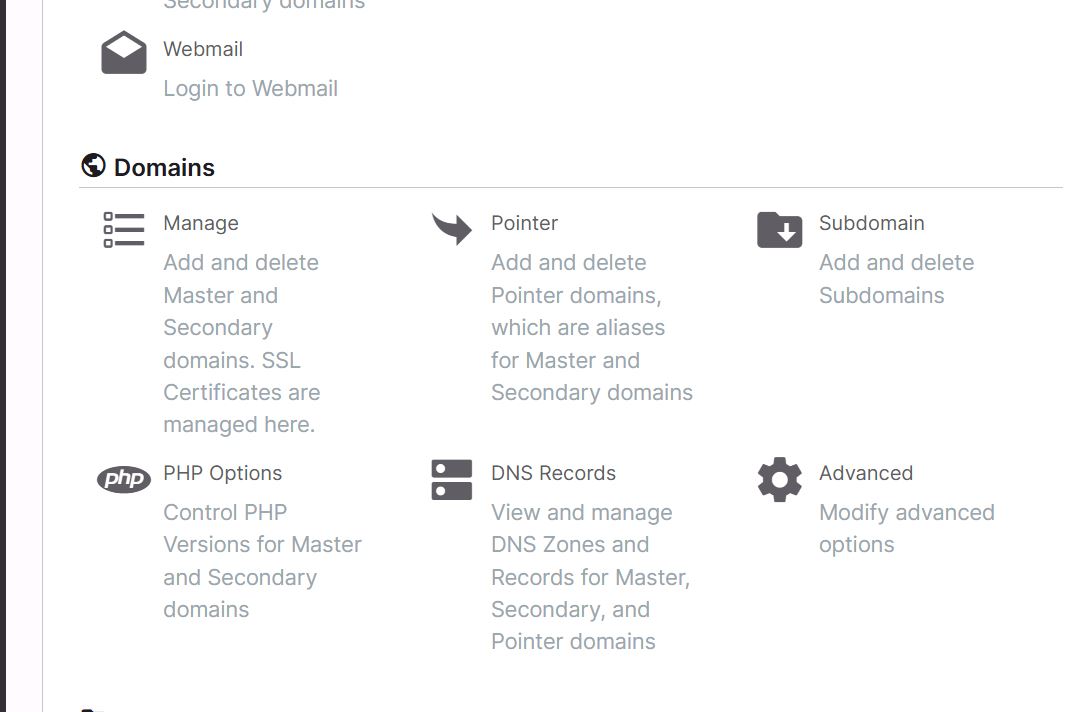
- Access the Subdomain Section
From the SiteWorx dashboard, navigate to Subdomains under the domain area.
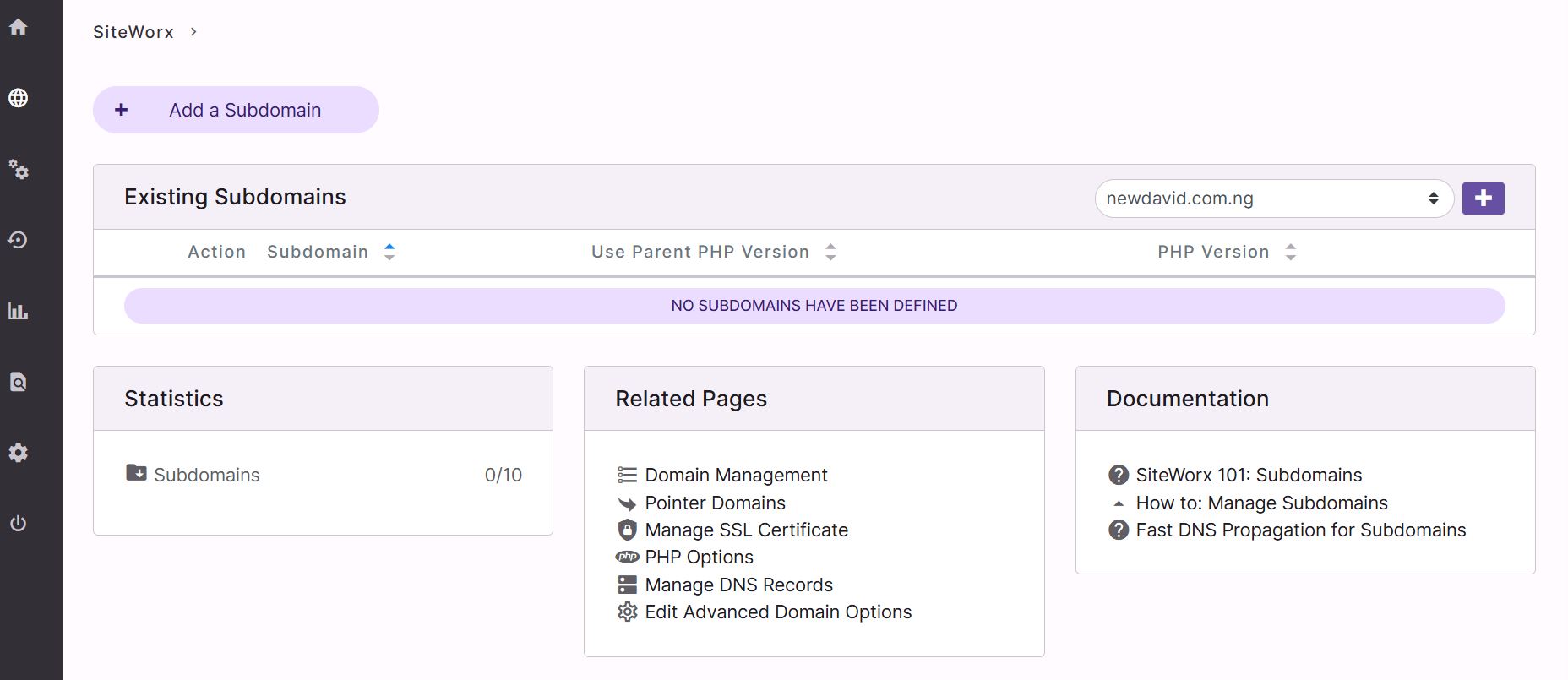
Enter Subdomain Name
Click on Add Subdomain button and Type the subdomain prefix (e.g., blog, shop, test).
Create the Subdomain
Click Add to finalize the setup.